
Apple Pay vs. Google Wallet: The Future of Global Contactless Payments in 2026
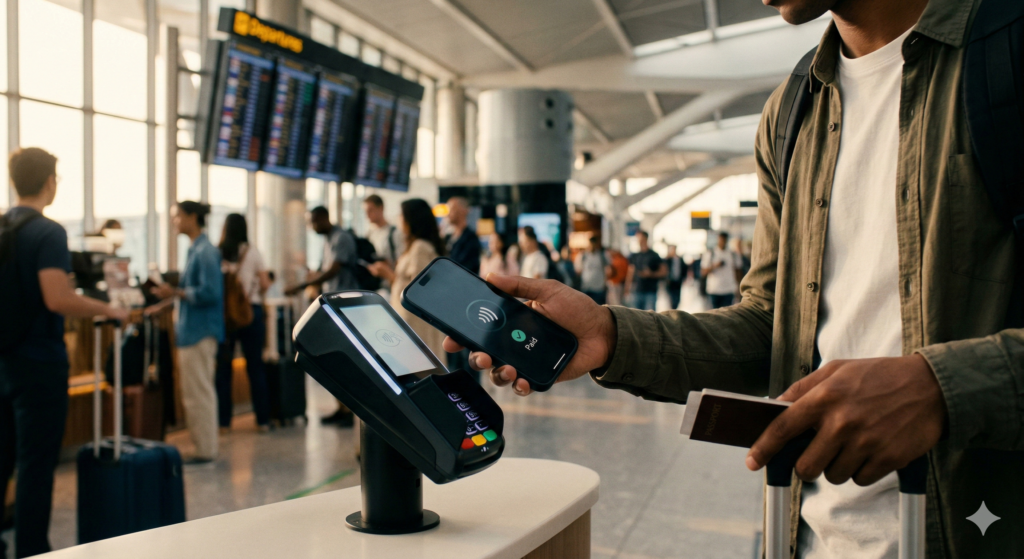
In 2026, the physical wallet is officially a relic of the past. With over 70% of global retail transactions now occurring via smartphone or wearable, the battle between Apple Pay and Google Wallet has moved beyond convenience—it’s now about global financial sovereignty and “Actionable Insight” for the modern traveler.
The Global Battle: Apple Pay vs. Google Wallet in 2026
While both platforms utilize NFC (Near Field Communication) technology, their expansion strategies have diverged significantly to capture different global markets.
| Feature | Apple Pay | Google Wallet |
|---|---|---|
| Best For | High-security, seamless iOS ecosystem | Open ecosystem & QR integration |
| Regional Dominance | North America, EU, UK, Japan | Asia (UPI), Brazil (Pix), Africa |
| Acceptance | ~96% of global NFC terminals | ~92% of global NFC terminals |
| Security Tech | Secure Element (Hardware-based) | Cloud Tokenization (AI-monitored) |
| Key Advantage | Express Transit (No FaceID needed) | Smart QR Auto-Switching |
2. Security in 2026: Hardware vs. Cloud Intelligence
As we move through 2026, cyber-threats like “digital sniffing” have become more sophisticated. Both giants have fortified their defenses, but their philosophies remain distinct.
Apple Pay: The Hardware Fort Knox
Apple continues to lead with its Secure Element (SE). By using a physical, isolated chip within the iPhone, Apple ensures that your card data never touches the internet or the OS. Even if a terminal is compromised, the one-time dynamic security code remains useless for future fraudulent attempts.
Google Wallet: The Power of AI Vigilance
Google relies on Cloud-Based Tokenization, but its real strength in 2026 is AI Anomaly Detection. By analyzing your real-time location data and spending patterns, Google Wallet can automatically block a transaction in a foreign country if it detects your physical device hasn’t moved with you, providing a proactive layer of safety.
3. Mastering the “Hidden” Fees of Global Tapping
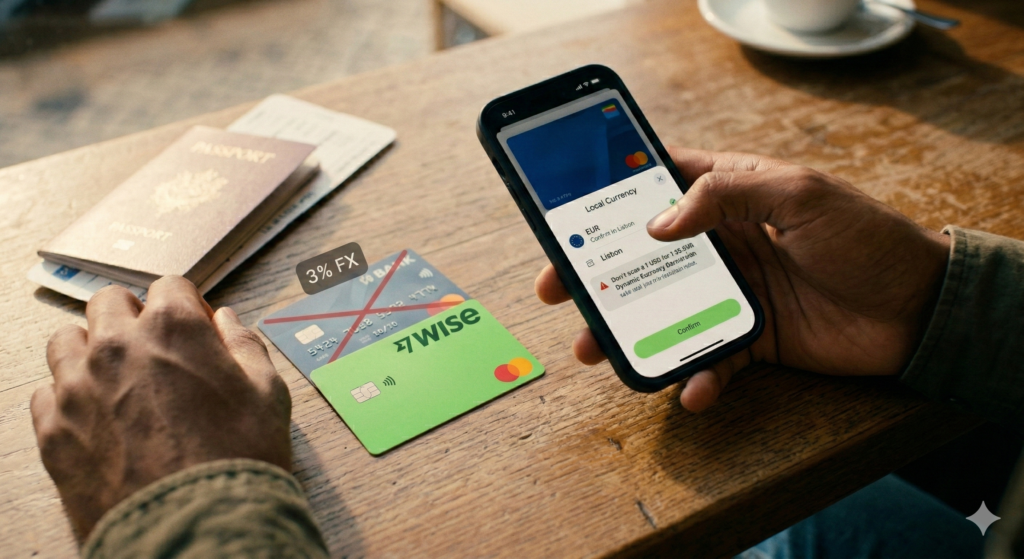
In 2026, the biggest drain on your travel budget isn’t the app—it’s the Foreign Transaction Fee (FX Fee) of the underlying card. Even a “free” tap can cost you 3% if you use a traditional bank card.
So, what should you do now?
- Always Choose Local Currency: When a smart terminal asks, never pay in your home currency. Choosing the local currency saves you up to 8% in predatory conversion rates.
- Link a Virtual Travel Card: Before your trip, link a Wise or Revolut virtual card to your wallet. These cards use mid-market rates with near-zero markups.
- Set a Default “No-Fee” Card: Go to settings and ensure your travel card is the primary card to avoid accidental high-fee charges from your main bank.
Final Verdict: Which Wallet Wins?
If your 2026 travels take you through Europe, North America, or major Asian hubs like Tokyo, Apple Pay’s seamless transit integration and hardware security make it the top choice. However, if you are exploring emerging markets in SE Asia or Latin America, Google Wallet’s superior QR code compatibility is an absolute necessity.
Don’t let hidden fees eat your travel budget. Audit your mobile wallet today and swap out high-fee cards for digital-first fintech solutions.
Frequently Asked Questions: Mobile Payments in 2026
Q1: Can I use Apple Pay or Google Wallet without an internet connection?
A: Yes. Both wallets allow for a limited number of offline transactions (usually 5–10) using stored tokens. However, you will need to sync with the internet periodically to refresh these security tokens.
Q2: Does Apple Pay or Google Wallet charge extra for international use?
A: No. Apple and Google do not charge transaction fees. Any “International Fee” you see on your statement is charged by your bank or the card issuer (Visa/Mastercard) linked to the wallet.
Q3: Which is better for public transit in 2026?
A: Apple Pay currently holds the edge with its “Express Transit” mode, which works without FaceID or waking the device. Google Wallet is catching up but often requires the screen to be active in some regions.
